 |
 |
 |
|
 |
|
|
|
|
|

| WORKING HARDER TO MAKE YOUR LIFE EASIER |
| Issue 11 November 2005 | |
|
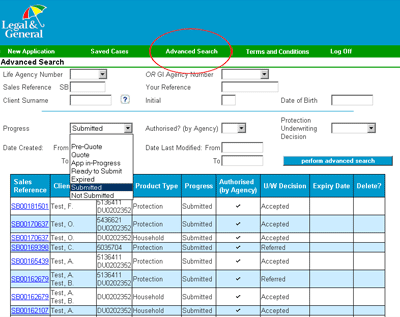
Did You Know...? How to access a case once you have submitted it:
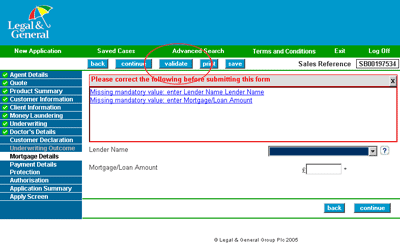
How to ensure you have completed all of the application before submitting:
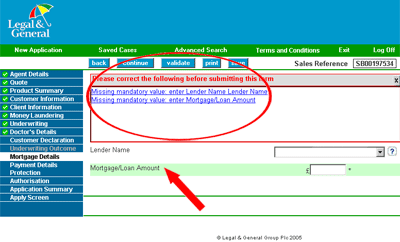
How to tell which sections are incomplete:
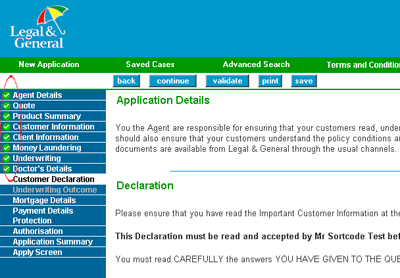
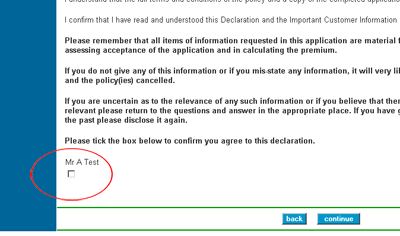
How to update the Customer Declaration:
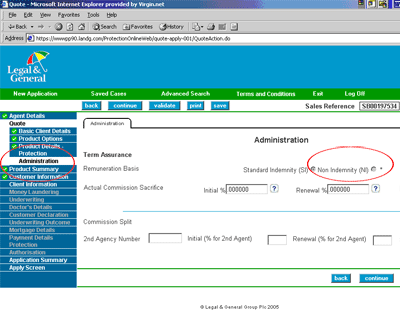
How to sacrifice commission:
|
|||||||||
This is not a consumer advertisement. It is intended for Professional Financial Advisers and should not be relied upon by private investors or any other persons. © Legal & General Assurance Society Limited (2005) Registered in England No 166055 Registered Office: Temple Court, 11 Queen Victoria Street, London EC4N 4TP A member of the Association of British Insurers www.legalandgeneral.com/advisercentre |